What is Browser Automation? A Complete Beginner's Guide
Learn what browser automation is, how it works, and why businesses use it to save time on repetitive web tasks. A comprehensive guide for beginners.
 CollinFounder, Browzey6 min read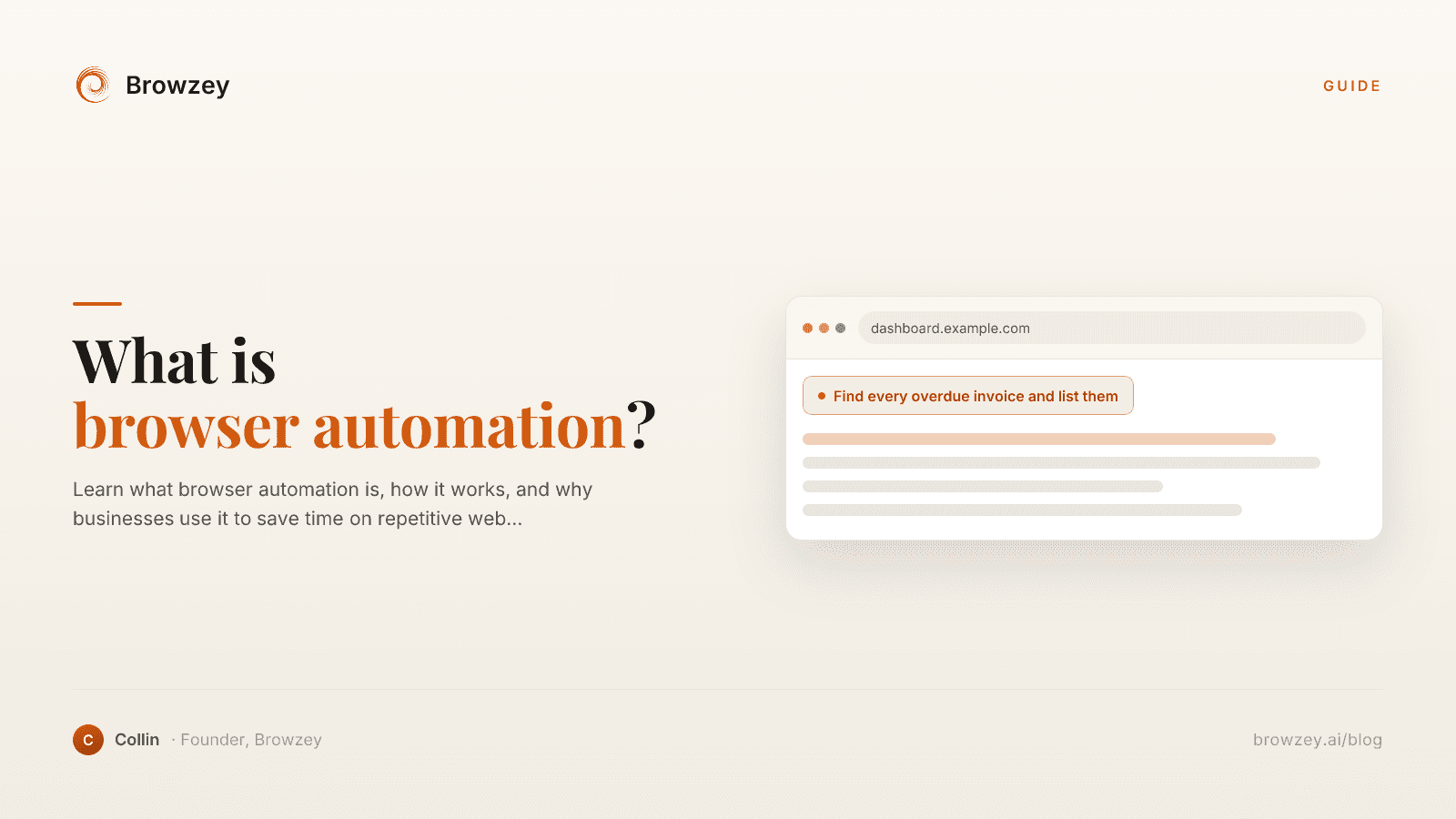
On this page
- What is Browser Automation?
- How Does Browser Automation Work?
- Common Use Cases for Browser Automation
- Data Collection and Web Scraping
- Form Filling and Data Entry
- Testing and Quality Assurance
- Social Media and Marketing
- Administrative Tasks
- Benefits of Browser Automation
- Save Time
- Reduce Errors
- Scale Operations
- Work Around the Clock
- Consistency
- Browser Automation vs. APIs
- Traditional Automation Tools
- The Rise of No-Code Browser Automation
- When Should You Use Browser Automation?
- Getting Started with Browser Automation
- The Future of Browser Automation
Every day, millions of people spend hours clicking through websites, filling out forms, copying data, and performing the same repetitive tasks over and over. What if a computer could do all of that for you? That's exactly what browser automation does.
What is Browser Automation?
Browser automation is the process of using software to control a web browser programmatically. Instead of manually clicking buttons, typing text, and navigating pages, an automated script or tool performs these actions for you.
Think of it like having a robot assistant that can use a web browser just like a human would—but faster, more accurately, and without getting tired.
How Does Browser Automation Work?
At its core, browser automation works by:
- Launching a browser - The automation tool opens a browser window (visible or hidden)
- Navigating to pages - It goes to specific URLs just like you would
- Interacting with elements - It clicks buttons, fills forms, selects dropdowns
- Extracting data - It reads text, captures screenshots, or downloads files
- Making decisions - It can follow conditional logic based on what it finds
Modern browser automation tools use the same browser engines as Chrome, Firefox, or Safari. This means websites see the automated browser as a regular user, making automation reliable and effective.
Common Use Cases for Browser Automation
Data Collection and Web Scraping
One of the most popular uses is extracting data from websites. This includes:
- Gathering product prices from e-commerce sites
- Collecting contact information from business directories
- Monitoring competitor websites for changes
- Aggregating news or content from multiple sources
Form Filling and Data Entry
Repetitive form submissions become effortless:
- Submitting job applications across multiple platforms
- Filling out registration forms
- Updating information across various websites
- Processing bulk data entry tasks
Testing and Quality Assurance
Software teams use browser automation extensively for:
- Testing web applications automatically
- Checking that features work across different browsers
- Validating user flows and checkout processes
- Regression testing after code changes
Social Media and Marketing
Marketing teams automate:
- Posting content across platforms
- Gathering analytics and reports
- Monitoring brand mentions
- Managing multiple accounts efficiently
Administrative Tasks
Everyday business operations benefit from:
- Downloading reports from various platforms
- Updating inventory across systems
- Syncing data between applications
- Generating screenshots for documentation
Benefits of Browser Automation
Save Time
The most obvious benefit is time savings. Tasks that take hours manually can be completed in minutes. A process that requires 500 clicks can happen while you focus on more important work.
Reduce Errors
Humans make mistakes, especially during repetitive tasks. Automation follows the same steps perfectly every time, eliminating typos, missed fields, and other human errors.
Scale Operations
What takes one person a full day might take seconds for a bot. Browser automation lets small teams accomplish what would otherwise require hiring additional staff.
Work Around the Clock
Automated browsers can run 24/7, processing tasks overnight or during off-hours when you're not working.
Consistency
Every action is performed identically, ensuring consistent results across thousands of operations.
Browser Automation vs. APIs
You might wonder why not just use an API instead. APIs are direct connections to a service's data, and they're great when available. However:
- Many websites don't offer APIs - Most business websites, government portals, and internal tools have no API access
- APIs may be limited - Even when APIs exist, they might not support everything you need
- No development required - Browser automation works with any website without needing API integration
Browser automation fills the gap when APIs aren't an option or don't meet your needs.
Traditional Automation Tools
Historically, browser automation required programming knowledge. Popular tools include:
- Selenium - The original open-source automation framework
- Playwright - Microsoft's modern automation library
- Puppeteer - Google's Node.js library for Chrome automation
These tools are powerful but require developers to write and maintain code. A simple automation might need hundreds of lines of JavaScript or Python.
The Rise of No-Code Browser Automation
The landscape is changing. Modern tools like Browzey let anyone automate browser tasks without writing code. Using natural language, you simply describe what you want to do:
"Go to this website, fill out the contact form with my information, and submit it"
The AI understands your intent and handles all the technical complexity behind the scenes. This democratizes automation, making it accessible to marketers, operations teams, researchers, and anyone who works with web browsers.
To get started with a simple example, try our free email extractor to pull contact information from any webpage, or use the webpage to text converter to extract readable content instantly.
When Should You Use Browser Automation?
Consider automation when you:
- Spend more than 30 minutes daily on repetitive browser tasks
- Need to process large amounts of data from websites
- Want to eliminate human error in critical processes
- Need tasks done outside business hours
- Are copying data between systems that don't integrate
Getting Started with Browser Automation
If you're ready to start automating, here's a simple path:
- Identify repetitive tasks - List the browser-based work you do repeatedly
- Prioritize by impact - Start with tasks that consume the most time
- Choose your tool - Pick a solution that matches your technical skill level
- Start small - Automate one simple task before tackling complex workflows
- Iterate and expand - Once comfortable, automate more processes
The Future of Browser Automation
Browser automation is evolving rapidly. AI-powered tools now understand natural language, adapt to website changes automatically, and handle complex decision-making. What once required a development team can now be accomplished by anyone with a clear idea of what they want to automate.
The websites we use daily aren't going away, and neither is the need to interact with them efficiently. Browser automation bridges the gap between manual work and full digital transformation.
Ready to stop wasting time on repetitive browser tasks? Try Browzey and automate any website using simple natural language commands.
Recommended Tools
Further reading
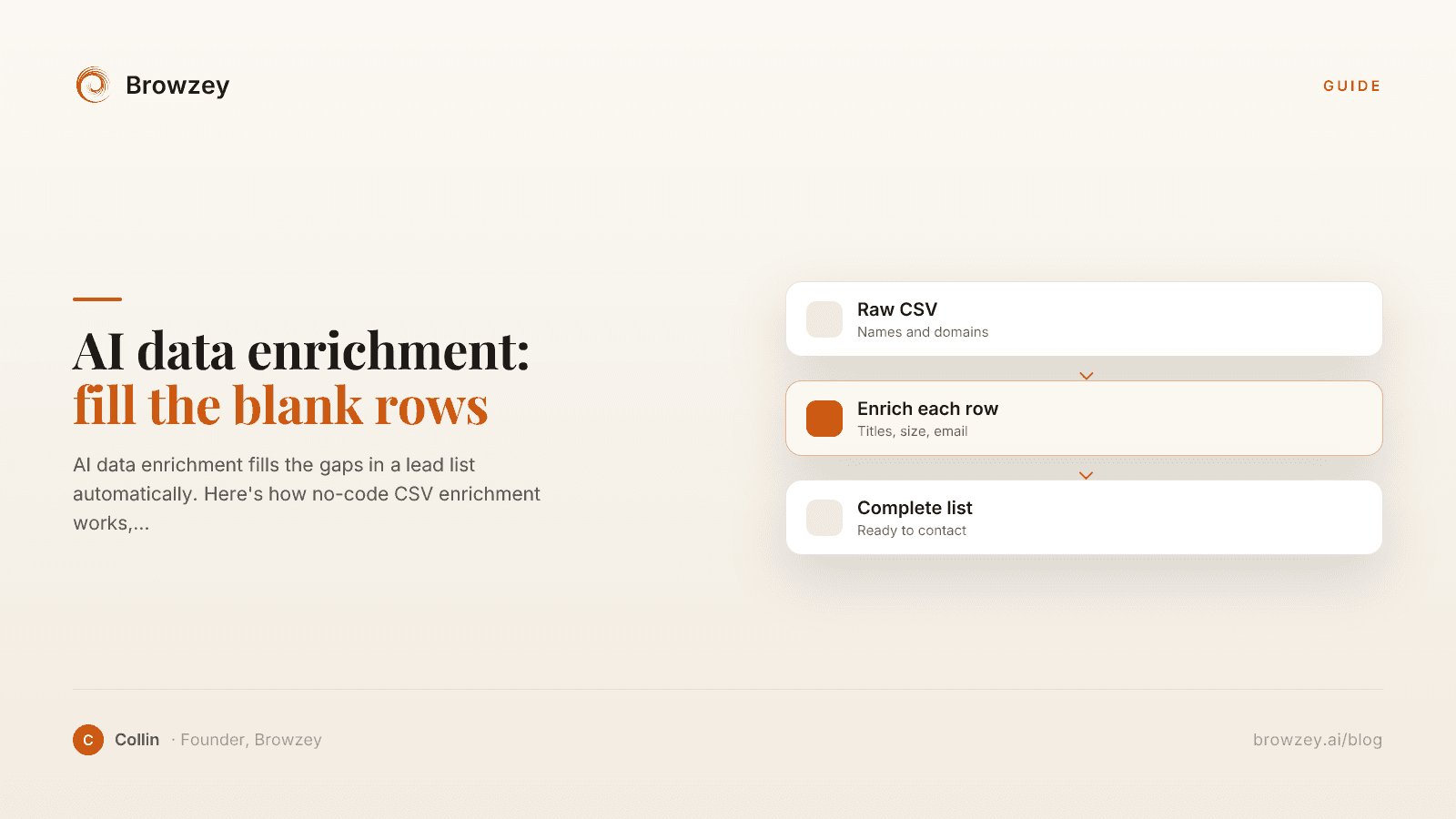
AI data enrichment: how to enrich a CSV of leads
AI data enrichment fills the gaps in a lead list automatically. Here's how no-code CSV enrichment works, where database tools quietly fail, and how to fix it.
July 2, 2026
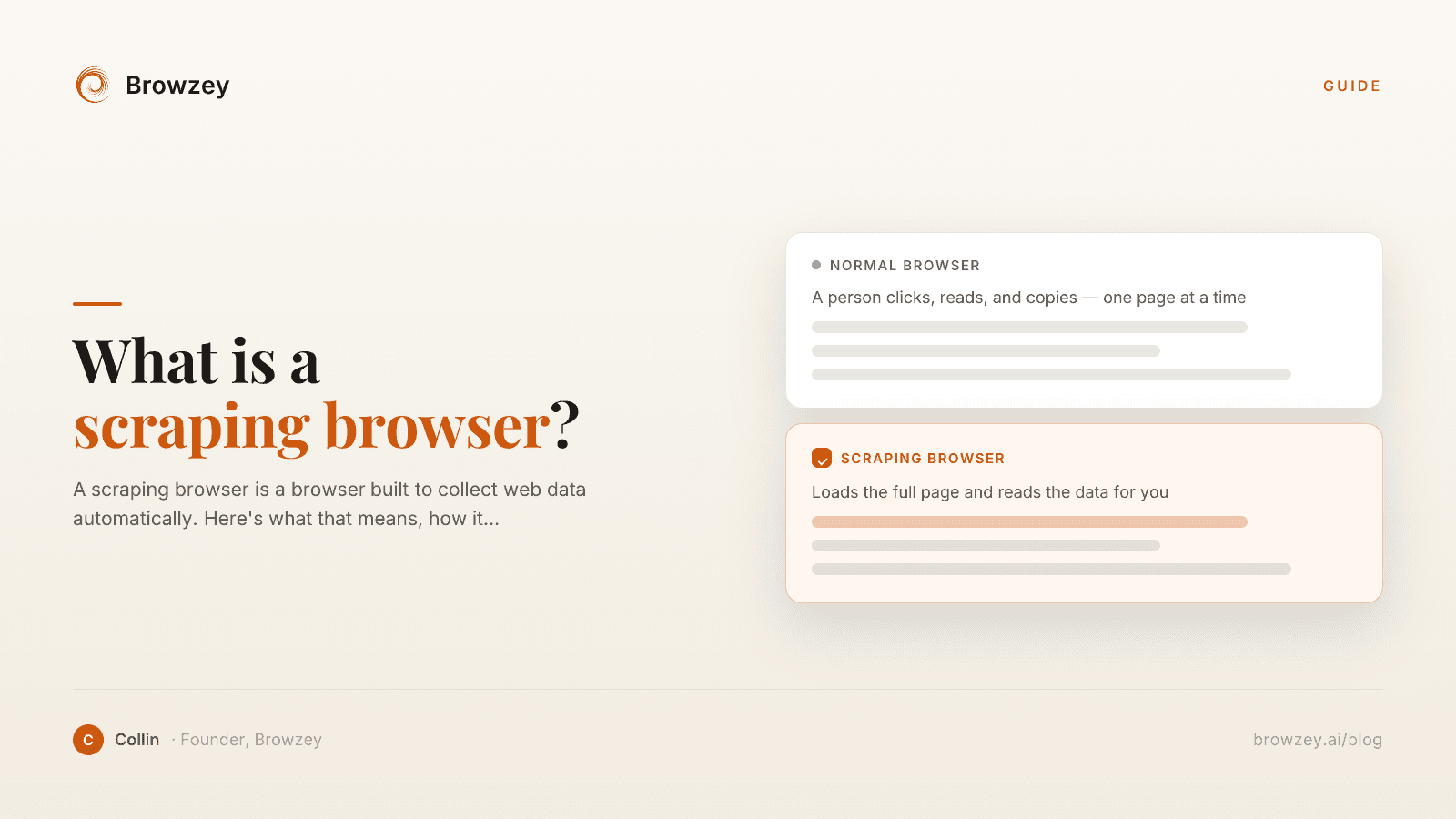
What Is a Scraping Browser? A Plain-English Guide
A scraping browser is a browser built to collect web data automatically. Here's what that means, how it works, and whether you actually need one.
June 20, 2026
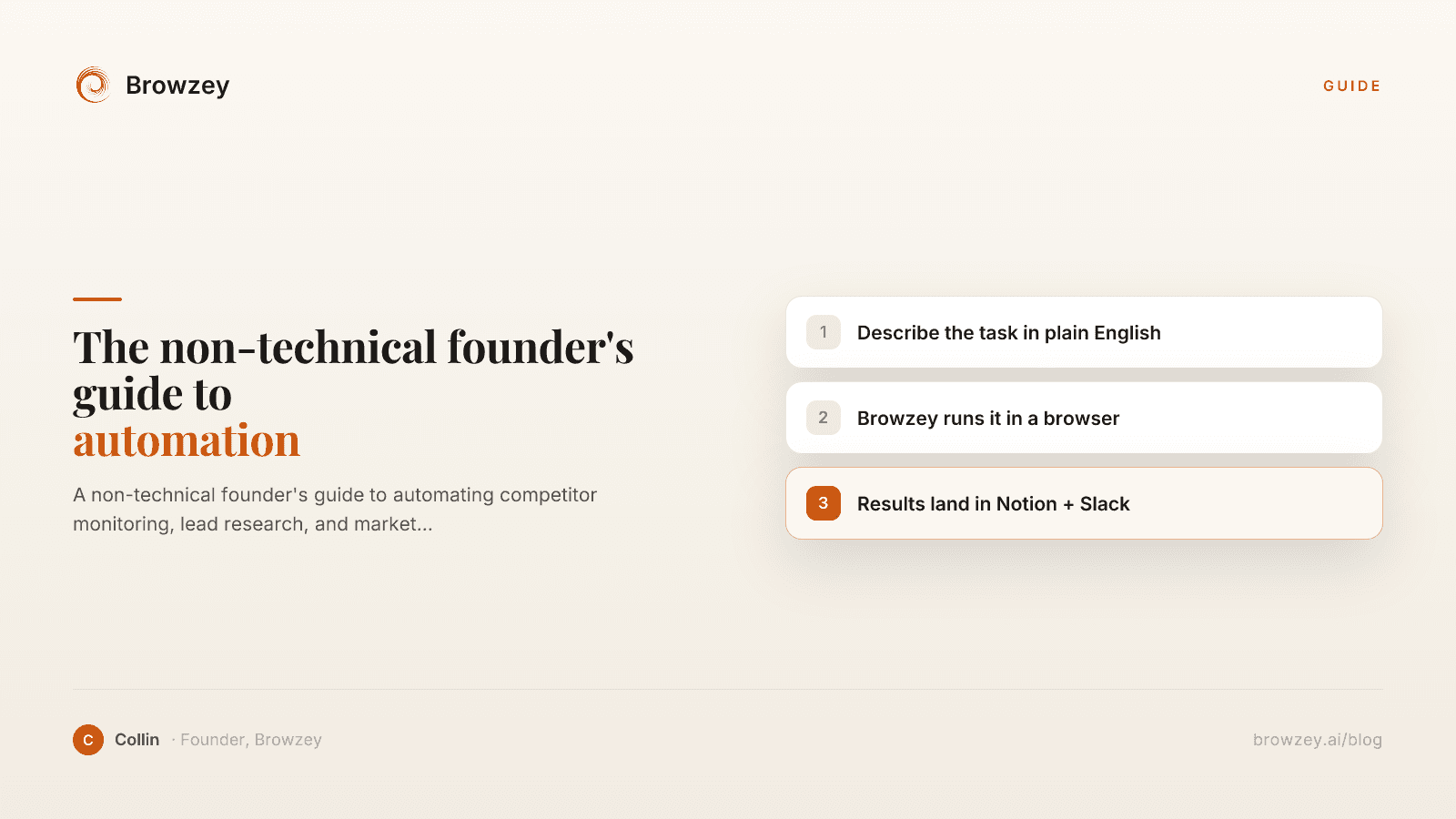
The Non-Technical Founder's Guide to Browser Automation in 2026
A non-technical founder's guide to automating competitor monitoring, lead research, and market intelligence with Browzey, Notion, and Slack — no code.
May 1, 2026
On this page
- What is Browser Automation?
- How Does Browser Automation Work?
- Common Use Cases for Browser Automation
- Data Collection and Web Scraping
- Form Filling and Data Entry
- Testing and Quality Assurance
- Social Media and Marketing
- Administrative Tasks
- Benefits of Browser Automation
- Save Time
- Reduce Errors
- Scale Operations
- Work Around the Clock
- Consistency
- Browser Automation vs. APIs
- Traditional Automation Tools
- The Rise of No-Code Browser Automation
- When Should You Use Browser Automation?
- Getting Started with Browser Automation
- The Future of Browser Automation