SEO Audit Checklist: 10 Essential Checks
A practical SEO audit checklist covering meta tags, canonicals, mobile optimization, and more. Free tools included to help you check each item.
 CollinFounder, Browzey8 min read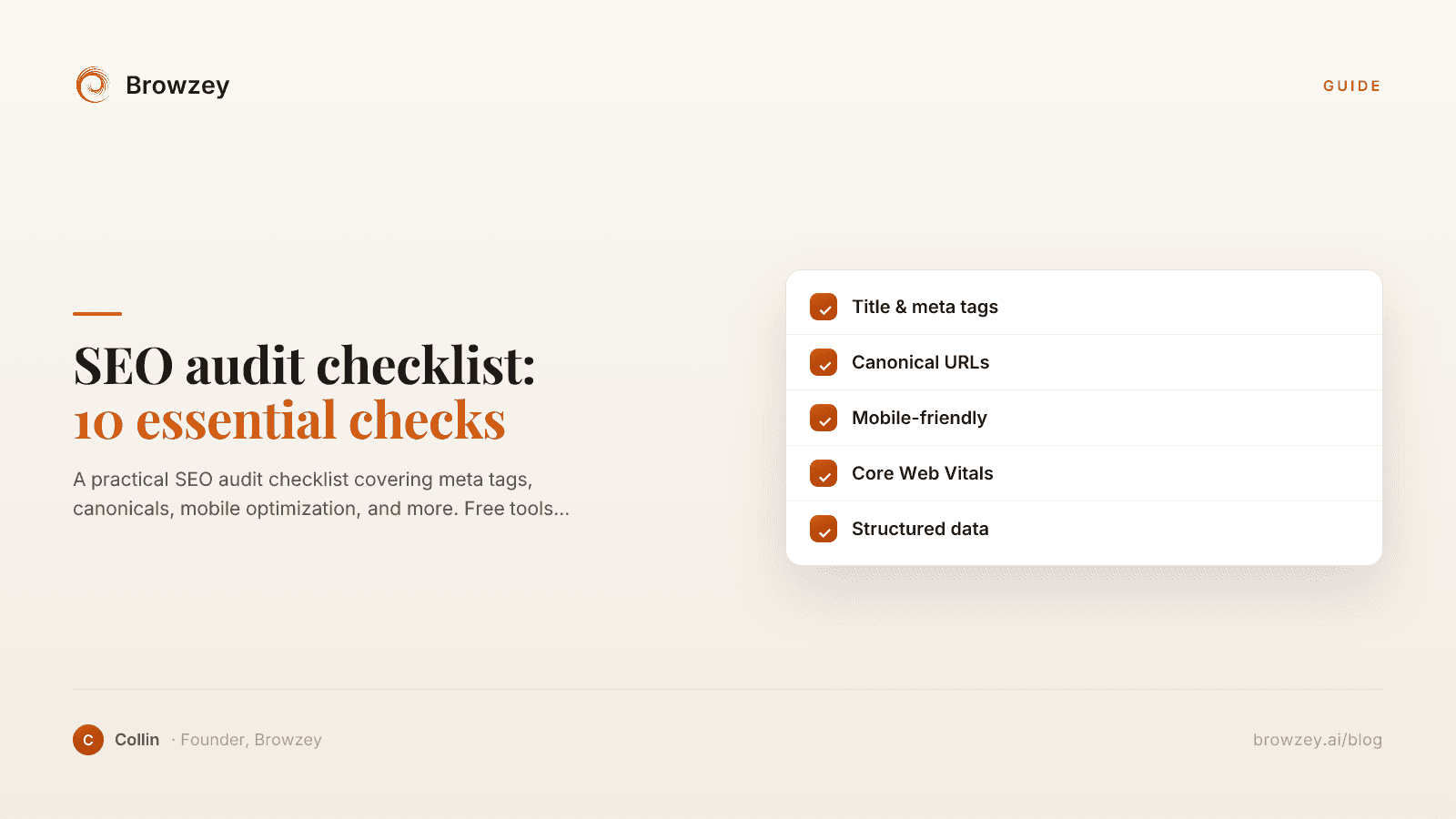
On this page
- 1. Meta Title Tags
- What to check:
- Common issues:
- How to fix:
- 2. Meta Descriptions
- What to check:
- Common issues:
- How to fix:
- 3. Canonical Tags
- What to check:
- Common issues:
- How to fix:
- 4. Heading Structure
- What to check:
- Common issues:
- How to fix:
- 5. Image Optimization
- What to check:
- Common issues:
- How to fix:
- 6. Mobile Friendliness
- What to check:
- Common issues:
- How to fix:
- 7. Page Speed
- What to check:
- Common issues:
- How to fix:
- 8. URL Structure
- What to check:
- Common issues:
- How to fix:
- 9. Internal Linking
- What to check:
- Common issues:
- How to fix:
- 10. Indexation
- What to check:
- Common issues:
- How to fix:
- Running Your SEO Audit
- Step 1: Gather Data
- Step 2: Check Each Item
- Step 3: Prioritize Issues
- Step 4: Fix and Verify
- Step 5: Schedule Regular Audits
- Free Tools for Your Audit
- Beyond the Basics
- Common Audit Mistakes
- Mistake 1: Fixing everything at once
- Mistake 2: Focusing on minor issues
- Mistake 3: Ignoring user experience
- Mistake 4: Not measuring results
- Start Your SEO Audit Now
Search engine optimization can feel overwhelming. With thousands of potential factors affecting your rankings, where do you even start? The answer is a systematic SEO audit.
This checklist covers the 10 most impactful SEO elements to review on your website. Each check includes what to look for, why it matters, and how to fix common issues.
1. Meta Title Tags
The title tag is one of the most important on-page SEO elements. It appears in search results as the clickable headline.
What to check:
- Every page has a unique title tag
- Titles are 50-60 characters (optimal display length)
- Primary keyword appears near the beginning
- Titles are compelling and encourage clicks
Common issues:
- Duplicate titles - Multiple pages with identical titles confuse search engines
- Too long - Titles over 60 characters get truncated
- Missing keywords - Title doesn't include terms users search for
- Generic titles - "Home" or "Untitled" provide no SEO value
How to fix:
Write descriptive, keyword-rich titles for each page. Include your brand name at the end if space allows.
Tool: Use our Meta Tag Analyzer to check any page's title tag.
2. Meta Descriptions
While not a direct ranking factor, meta descriptions influence click-through rates from search results.
What to check:
- Every page has a unique meta description
- Descriptions are 150-160 characters
- They accurately summarize page content
- They include a call-to-action or value proposition
Common issues:
- Missing descriptions - Search engines auto-generate one (often poorly)
- Duplicate descriptions - Same description across multiple pages
- Too long - Gets cut off in search results
- Keyword stuffing - Reads unnaturally
How to fix:
Write compelling descriptions that make users want to click. Include target keywords naturally.
Tool: The Meta Tag Analyzer also checks your meta descriptions.
3. Canonical Tags
Canonical tags tell search engines which version of a page is the "official" one, preventing duplicate content issues.
What to check:
- Every page has a canonical tag
- Canonicals point to the correct URL
- HTTPS pages don't canonical to HTTP
- Paginated pages handle canonicals properly
Common issues:
- Self-referencing errors - Page canonicals to a different URL
- HTTP/HTTPS mismatch - Canonical doesn't match actual URL protocol
- Missing canonicals - No canonical tag present
- Chain canonicals - A canonicals to B, B canonicals to C
How to fix:
Each page should have a self-referencing canonical (pointing to itself) unless intentionally consolidating duplicate content.
Tool: Our Canonical Tag Checker validates canonical implementation.
4. Heading Structure
Headings (H1-H6) help search engines understand page structure and content hierarchy.
What to check:
- Every page has exactly one H1 tag
- H1 includes the primary keyword
- Headings follow logical hierarchy (H1 → H2 → H3)
- No skipped heading levels
Common issues:
- Multiple H1s - Confuses page topic
- Missing H1 - No clear main heading
- Skipped levels - H1 followed by H3
- Styling abuse - Using headings purely for visual formatting
How to fix:
Structure content with one H1 (your main title), H2s for major sections, and H3s for subsections.
5. Image Optimization
Images impact page speed and provide additional SEO opportunities through alt text.
What to check:
- All images have descriptive alt text
- File sizes are optimized
- Modern formats (WebP) are used
- Images have appropriate dimensions
Common issues:
- Missing alt text - Search engines can't understand image content
- Large file sizes - Slow page loads hurt rankings
- Generic filenames - "IMG_1234.jpg" provides no context
- Oversized dimensions - Loading 2000px images for 300px displays
How to fix:
Add descriptive alt text, compress images, and use responsive image techniques.
6. Mobile Friendliness
Google uses mobile-first indexing, meaning the mobile version of your site is what gets evaluated.
What to check:
- Site is responsive across device sizes
- Text is readable without zooming
- Buttons and links are tap-friendly
- No horizontal scrolling required
Common issues:
- Non-responsive design - Separate mobile site or no mobile optimization
- Tiny tap targets - Links too close together
- Flash content - Doesn't work on mobile
- Blocked resources - CSS/JS blocked from mobile crawlers
How to fix:
Implement responsive design. Test on actual mobile devices, not just browser dev tools.
7. Page Speed
Page speed is a confirmed ranking factor and significantly impacts user experience.
What to check:
- Core Web Vitals pass (LCP, FID, CLS)
- Time to First Byte under 200ms
- First Contentful Paint under 1.8s
- Total page size reasonable (under 3MB)
Common issues:
- Unoptimized images - Largest culprit of slow pages
- Render-blocking resources - CSS/JS blocking initial render
- No caching - Browser downloads same resources repeatedly
- Too many requests - Dozens of files to load
How to fix:
Optimize images, enable compression, implement caching, minimize HTTP requests.
8. URL Structure
Clean, descriptive URLs help both users and search engines understand page content.
What to check:
- URLs are readable and descriptive
- Keywords included where relevant
- No excessive parameters or session IDs
- Consistent structure across the site
Common issues:
- Dynamic parameters -
?id=123&session=abc - Excessive length - URLs hundreds of characters long
- Missing keywords -
/page-1instead of/seo-audit-checklist - Inconsistent patterns - Different structures for similar content
How to fix:
Use short, descriptive URLs with relevant keywords. Maintain consistent patterns.
9. Internal Linking
Internal links help search engines discover content and understand site structure.
What to check:
- Important pages are linked from multiple locations
- Anchor text is descriptive (not "click here")
- No orphan pages (pages with no internal links)
- Navigation includes key pages
Common issues:
- Orphan pages - Content that's unreachable via links
- Poor anchor text - Vague or generic link text
- Broken internal links - Links to pages that no longer exist
- Excessive links - Pages with hundreds of links
How to fix:
Create a logical linking structure. Link related content together. Use descriptive anchor text.
10. Indexation
If search engines can't index your pages, nothing else matters.
What to check:
- Important pages are indexable
- Robots.txt isn't blocking important content
- No accidental noindex tags
- XML sitemap exists and is valid
Common issues:
- Noindex tags - Accidentally blocking pages
- Robots.txt blocking - Disallowing important URLs
- Missing sitemap - Search engines miss pages
- Crawl errors - Pages returning 404 or 500 errors
How to fix:
Verify indexation in Google Search Console. Fix any errors in robots.txt or meta robots tags.
Running Your SEO Audit
Step 1: Gather Data
Start by collecting information about your site:
- How many pages do you have?
- Which pages get the most traffic?
- What keywords are you targeting?
Step 2: Check Each Item
Go through this checklist systematically. For each check:
- Test your homepage
- Test your most important pages
- Test a sample of other pages
Step 3: Prioritize Issues
Not all issues are equal. Prioritize by:
- Impact - How much will fixing this improve rankings?
- Effort - How difficult is the fix?
- Scope - How many pages are affected?
High impact, low effort, wide scope = fix first.
Step 4: Fix and Verify
Make changes and verify they worked:
- Re-test pages after fixes
- Monitor rankings and traffic
- Document what changed
Step 5: Schedule Regular Audits
SEO isn't a one-time task. Schedule audits:
- Monthly for high-traffic sites
- Quarterly for most businesses
- After any major site changes
Free Tools for Your Audit
Here are free tools to help check each item:
| Check | Free Tool |
|---|---|
| Meta tags | Meta Tag Analyzer |
| Canonicals | Canonical Tag Checker |
| Mobile | Google Mobile-Friendly Test |
| Page speed | Google PageSpeed Insights |
| Indexation | Google Search Console |
Beyond the Basics
This checklist covers foundational SEO. Once you've addressed these basics, consider:
- Content quality - Is your content comprehensive and valuable?
- Backlinks - Are authoritative sites linking to you?
- User experience - Do visitors engage with your content?
- Structured data - Are you using schema markup?
- Local SEO - Is your Google Business Profile optimized?
Common Audit Mistakes
Mistake 1: Fixing everything at once
Make changes incrementally so you can measure impact.
Mistake 2: Focusing on minor issues
Fixing 100 small issues won't help if you ignore major problems.
Mistake 3: Ignoring user experience
Rankings mean nothing if users immediately leave your site.
Mistake 4: Not measuring results
Always track metrics before and after changes.
Start Your SEO Audit Now
Begin with the tools that make auditing easy:
- Meta Tag Analyzer - Check titles and descriptions
- Canonical Tag Checker - Verify canonical implementation
For ongoing monitoring and automated checks, Browzey can help you build custom SEO monitoring workflows that run on schedule and alert you to issues.
Recommended Tools
Further reading
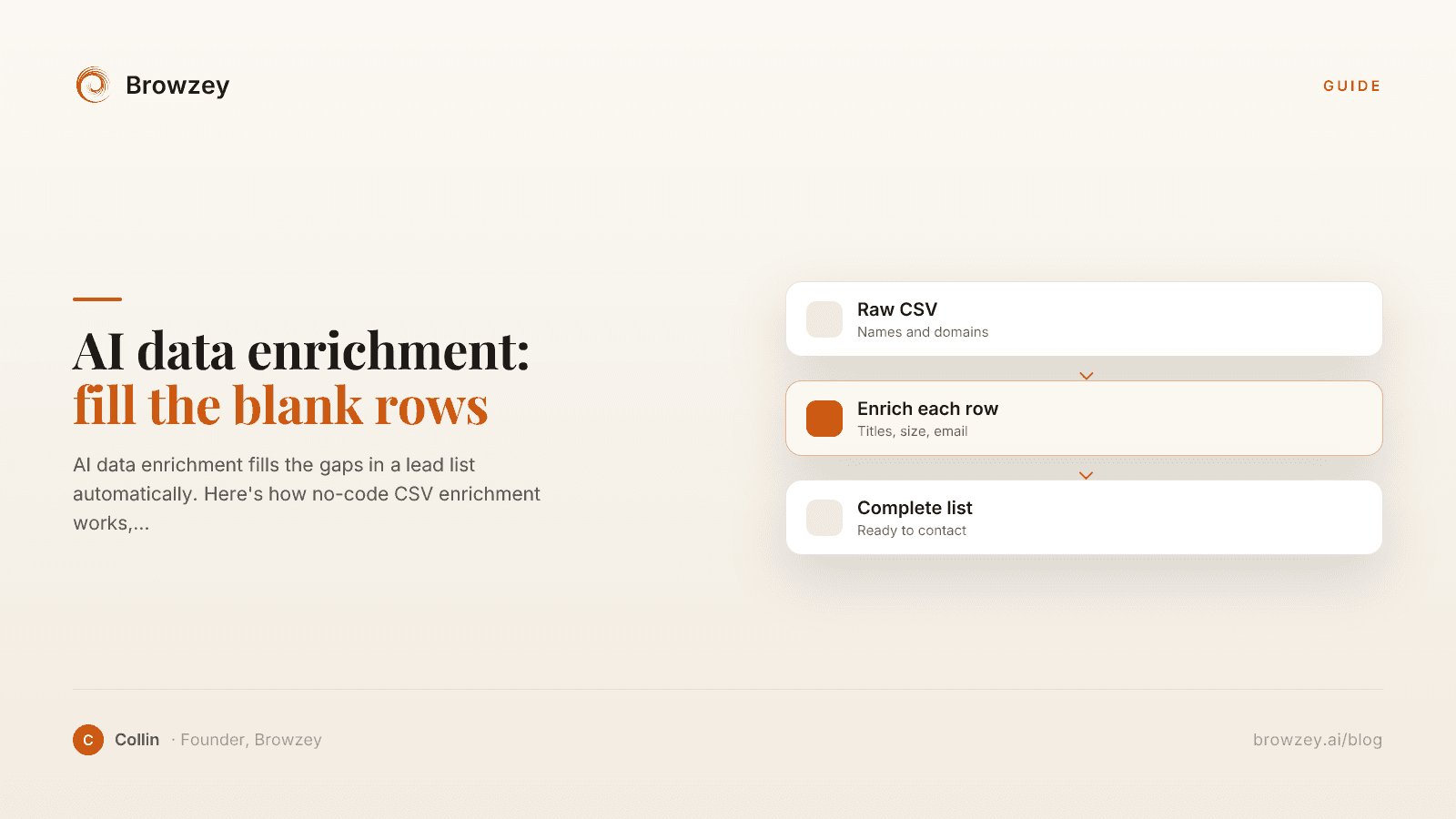
AI data enrichment: how to enrich a CSV of leads
AI data enrichment fills the gaps in a lead list automatically. Here's how no-code CSV enrichment works, where database tools quietly fail, and how to fix it.
July 2, 2026
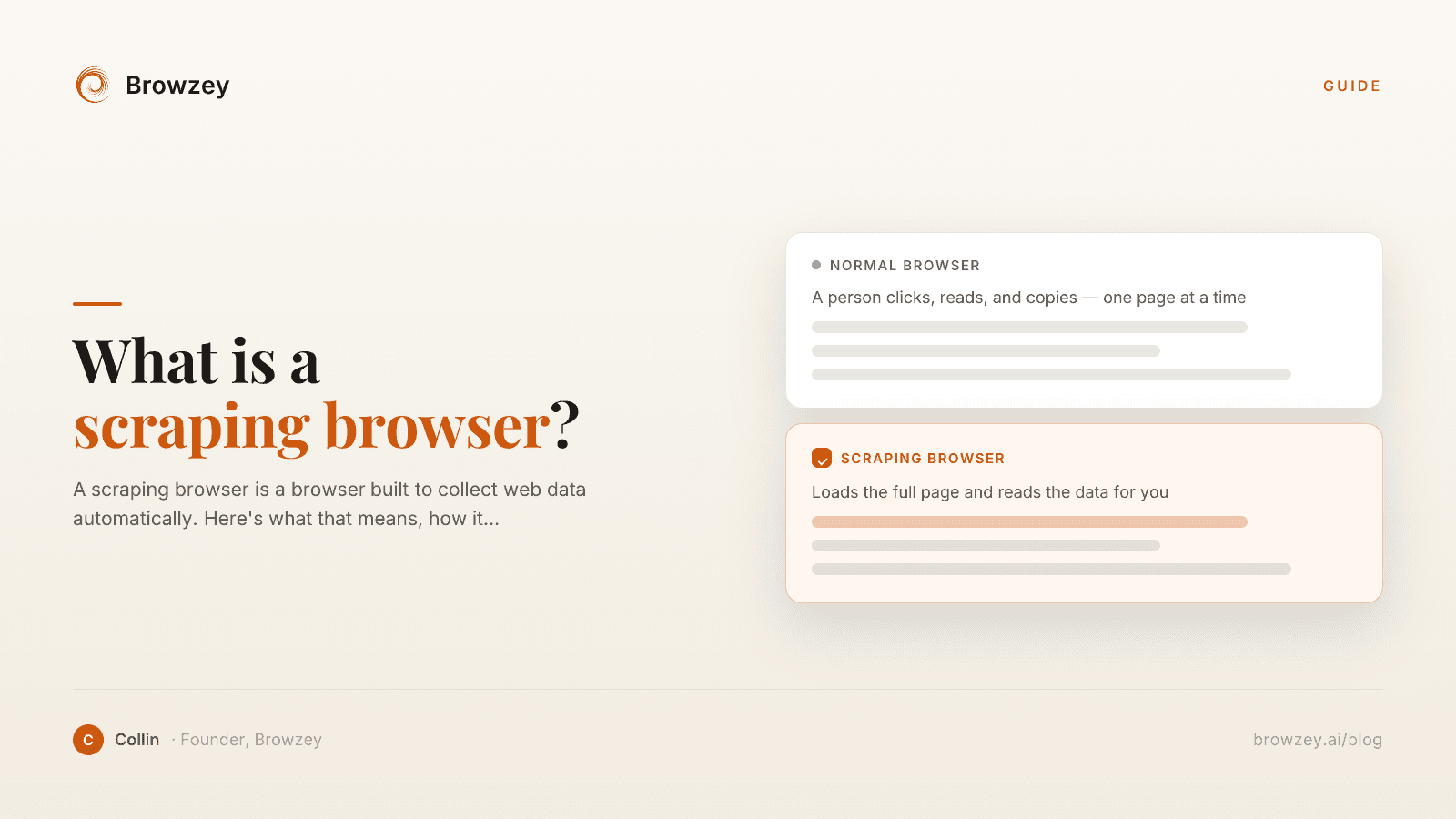
What Is a Scraping Browser? A Plain-English Guide
A scraping browser is a browser built to collect web data automatically. Here's what that means, how it works, and whether you actually need one.
June 20, 2026
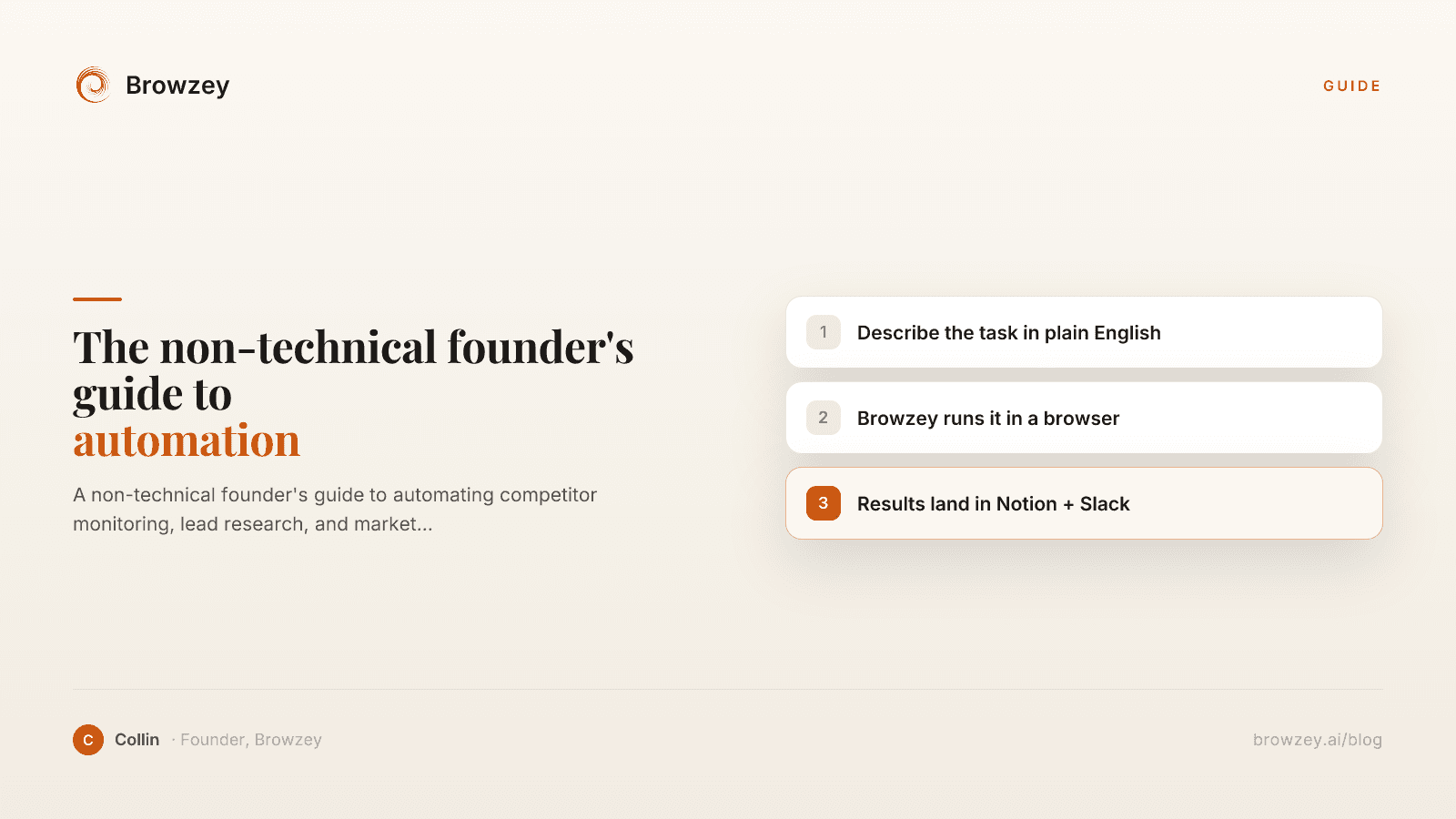
The Non-Technical Founder's Guide to Browser Automation in 2026
A non-technical founder's guide to automating competitor monitoring, lead research, and market intelligence with Browzey, Notion, and Slack — no code.
May 1, 2026
On this page
- 1. Meta Title Tags
- What to check:
- Common issues:
- How to fix:
- 2. Meta Descriptions
- What to check:
- Common issues:
- How to fix:
- 3. Canonical Tags
- What to check:
- Common issues:
- How to fix:
- 4. Heading Structure
- What to check:
- Common issues:
- How to fix:
- 5. Image Optimization
- What to check:
- Common issues:
- How to fix:
- 6. Mobile Friendliness
- What to check:
- Common issues:
- How to fix:
- 7. Page Speed
- What to check:
- Common issues:
- How to fix:
- 8. URL Structure
- What to check:
- Common issues:
- How to fix:
- 9. Internal Linking
- What to check:
- Common issues:
- How to fix:
- 10. Indexation
- What to check:
- Common issues:
- How to fix:
- Running Your SEO Audit
- Step 1: Gather Data
- Step 2: Check Each Item
- Step 3: Prioritize Issues
- Step 4: Fix and Verify
- Step 5: Schedule Regular Audits
- Free Tools for Your Audit
- Beyond the Basics
- Common Audit Mistakes
- Mistake 1: Fixing everything at once
- Mistake 2: Focusing on minor issues
- Mistake 3: Ignoring user experience
- Mistake 4: Not measuring results
- Start Your SEO Audit Now