AI Browser Automation: How It Works
Discover how AI is transforming browser automation. Learn about natural language commands, visual understanding, and the future of web task automation.
 CollinFounder, Browzey7 min read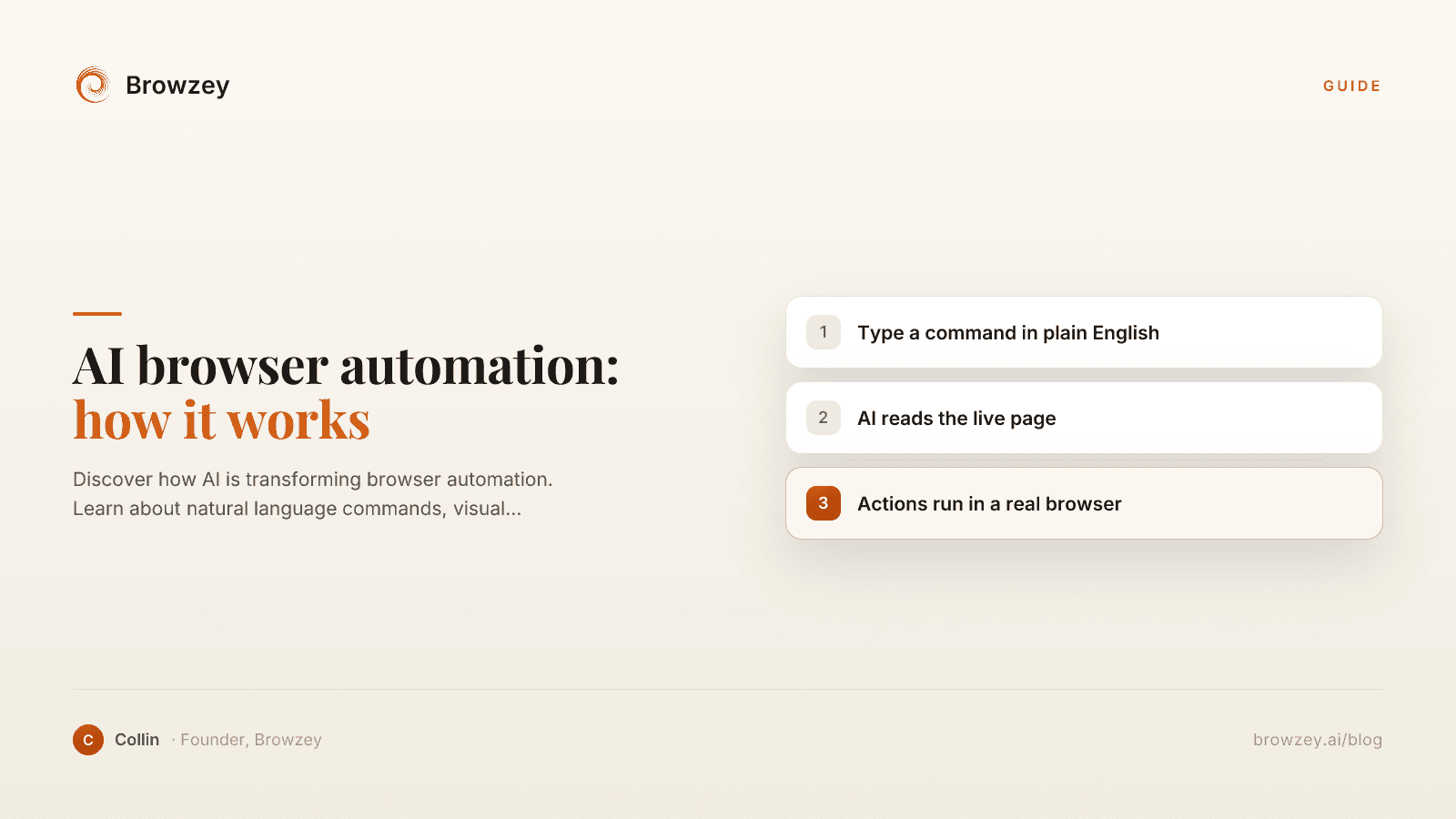
On this page
- The Problem with Traditional Browser Automation
- Write code for every action
- Maintain brittle selectors
- Handle edge cases manually
- Debug constantly
- How AI-Powered Automation Works
- Natural Language Instructions
- Visual Understanding
- Contextual Decision Making
- Continuous Learning
- Key Capabilities of AI Browser Automation
- 1. Intent Understanding
- 2. Dynamic Element Recognition
- 3. Error Recovery
- 4. Multi-Step Workflows
- 5. Integration with Other AI Capabilities
- Real-World Applications
- Sales and Marketing
- Operations
- Research
- Personal Productivity
- Comparing Traditional vs. AI-Powered Automation
- Limitations and Considerations
- Complex Logic
- High-Precision Requirements
- Sensitive Data Handling
- Learning Curve for Complex Tasks
- The Future of Browser Automation
- Voice-Commanded Automation
- Proactive Assistants
- Cross-Application Workflows
- Collaborative Automation
- Getting Started with AI Browser Automation
- 1. Start with a Simple Task
- 2. Describe the Task Clearly
- 3. Test and Refine
- 4. Scale Gradually
- Why This Matters
Browser automation has existed for over two decades. Selenium launched in 2004, and since then, developers have written countless scripts to automate web interactions. But there's always been a significant barrier: you need programming skills to use these tools effectively.
AI is changing that. The latest generation of browser automation tools understand natural language, adapt to website changes, and operate with a level of intelligence that was impossible just a few years ago.
The Problem with Traditional Browser Automation
Traditional automation tools require you to:
Write code for every action
// Traditional automation: verbose and fragile
await page.goto('https://example.com/login');
await page.fill('#username', 'user@email.com');
await page.fill('#password', 'mypassword');
await page.click('button[type="submit"]');
await page.waitForNavigation();
Every click, every form field, every navigation step needs explicit code.
Maintain brittle selectors
When a website updates its HTML structure, your automation breaks. A simple CSS change from #login-btn to .btn-login kills your entire workflow.
Handle edge cases manually
What if a popup appears? What if the page loads slowly? What if there's a CAPTCHA? Traditional tools need explicit handling for every scenario.
Debug constantly
When something fails, you're left digging through cryptic error messages and trying to figure out why element not found when you can clearly see it on the page.
How AI-Powered Automation Works
AI-powered browser automation takes a fundamentally different approach:
Natural Language Instructions
Instead of code, you describe what you want in plain English:
"Log into my account on example.com, go to the billing page, and download the last three invoices as PDFs"
The AI interprets your intent and figures out how to accomplish it.
Visual Understanding
Modern AI can "see" web pages similar to how humans do. It identifies:
- Buttons and clickable elements
- Form fields and their purposes
- Navigation menus and page structure
- Content areas and data to extract
This visual understanding means the AI doesn't rely solely on CSS selectors or XPath—it understands page context.
Contextual Decision Making
When something unexpected happens, AI can adapt:
- Cookie popup appears? The AI dismisses it and continues
- Page layout changed? The AI finds the equivalent element
- Error message shows? The AI can report it or try an alternative approach
Continuous Learning
AI models improve over time. As they encounter more websites and scenarios, they become better at handling edge cases and unusual situations.
Key Capabilities of AI Browser Automation
1. Intent Understanding
You don't need to know how a website works internally. Just state your goal:
- "Find the cheapest flight from NYC to LA next Friday"
- "Extract all product prices from this competitor's catalog"
- "Submit this form with my saved information"
The AI translates intent into actions.
2. Dynamic Element Recognition
Traditional selectors break when websites update. AI identifies elements by their visual appearance and context:
- A button labeled "Submit" is recognized regardless of its HTML ID
- A form field near the label "Email" is identified correctly
- Navigation items are understood by their text and position
3. Error Recovery
When actions fail, AI can:
- Retry with alternative approaches
- Scroll to find hidden elements
- Wait for dynamic content to load
- Report meaningful errors instead of technical failures
4. Multi-Step Workflows
Complex tasks spanning multiple pages and decisions become manageable:
"For each company in this spreadsheet, find their contact page, extract the email address, and add it to the spreadsheet"
The AI handles the loop, navigation, extraction, and data management.
5. Integration with Other AI Capabilities
AI-powered automation can combine with:
- OCR for reading text from images
- Document parsing for understanding PDFs
- Natural language processing for making decisions based on content
- Data structuring for organizing extracted information
Real-World Applications
Sales and Marketing
- Automatically research prospect companies
- Gather competitive intelligence
- Monitor brand mentions across the web
- Generate lead lists from directories
Operations
- Download reports from multiple dashboards
- Sync data between systems without APIs
- Process bulk form submissions
- Archive important web content
Research
- Collect data from multiple sources
- Monitor websites for changes
- Aggregate information for analysis
- Track pricing and availability
Personal Productivity
- Apply to jobs across multiple platforms
- Track packages from various carriers
- Monitor deals and price drops
- Automate repetitive administrative tasks
Comparing Traditional vs. AI-Powered Automation
| Aspect | Traditional | AI-Powered |
|---|---|---|
| Setup | Write code, define selectors | Describe task in natural language |
| Maintenance | Update code when sites change | Self-adapting to changes |
| Skill Required | Programming knowledge | Basic task description |
| Flexibility | Rigid, predefined steps | Dynamic, context-aware |
| Error Handling | Manual exception coding | Intelligent recovery |
| Time to First Automation | Hours to days | Minutes |
Limitations and Considerations
AI-powered automation isn't magic. Current limitations include:
Complex Logic
Multi-branching decisions with intricate business logic may still benefit from traditional coded approaches.
High-Precision Requirements
Tasks requiring exact pixel-level interactions or microsecond timing might need specialized tools.
Sensitive Data Handling
Consider security implications when using cloud-based AI services for automations involving sensitive data.
Learning Curve for Complex Tasks
While simple tasks are intuitive, complex workflows still require thoughtful task description and testing.
The Future of Browser Automation
Several trends are shaping what's coming:
Voice-Commanded Automation
"Hey, download my bank statements for the last quarter" becomes a reality.
Proactive Assistants
AI that notices patterns in your work and suggests automations: "I see you download this report every Monday. Should I do it automatically?"
Cross-Application Workflows
Seamless automation spanning browsers, desktop apps, and mobile devices.
Collaborative Automation
Teams sharing and building on each other's automations, with AI understanding organizational context.
Getting Started with AI Browser Automation
If you're ready to try AI-powered automation:
1. Start with a Simple Task
Pick something you do repeatedly that takes 5-10 minutes. Common good starting points:
- Downloading a regular report
- Filling out a recurring form
- Extracting data from a specific page
For a quick hands-on example, try our free email extractor to pull contact info from any webpage, or convert a page into clean text with the webpage to markdown tool.
2. Describe the Task Clearly
Write out what you want to accomplish in plain language. Be specific about:
- Where to start (the URL)
- What actions to take
- What outcome you expect
3. Test and Refine
Run your automation and observe the results. AI improves with feedback—if something doesn't work as expected, adjust your description.
4. Scale Gradually
Once comfortable with simple tasks, tackle more complex workflows. Combine multiple steps, add conditions, integrate with other tools.
Why This Matters
The shift to AI-powered automation democratizes a capability that was previously reserved for those with technical skills. Anyone who can describe a task can now automate it.
This means:
- Knowledge workers can eliminate repetitive web tasks
- Small businesses can compete with larger teams
- Individuals can reclaim hours spent on manual browser work
- Teams can focus on creative, high-value activities
The browser is where we spend much of our digital lives. Making it work for us—automatically—changes what's possible.
Ready to experience AI-powered browser automation? Browzey lets you automate any website using natural language. Describe what you want, and let AI handle the rest.
Recommended Tools
Further reading
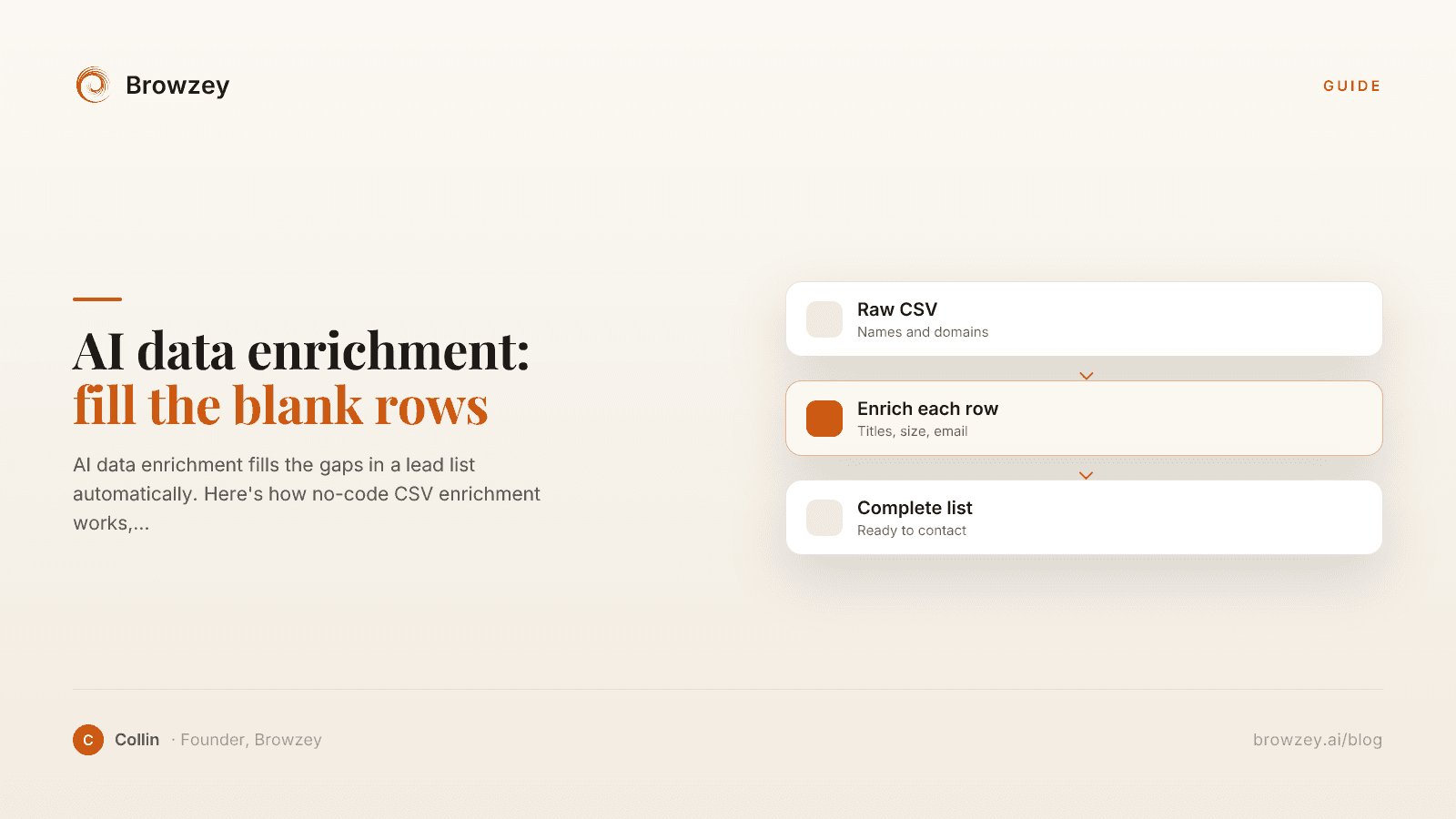
AI data enrichment: how to enrich a CSV of leads
AI data enrichment fills the gaps in a lead list automatically. Here's how no-code CSV enrichment works, where database tools quietly fail, and how to fix it.
July 2, 2026
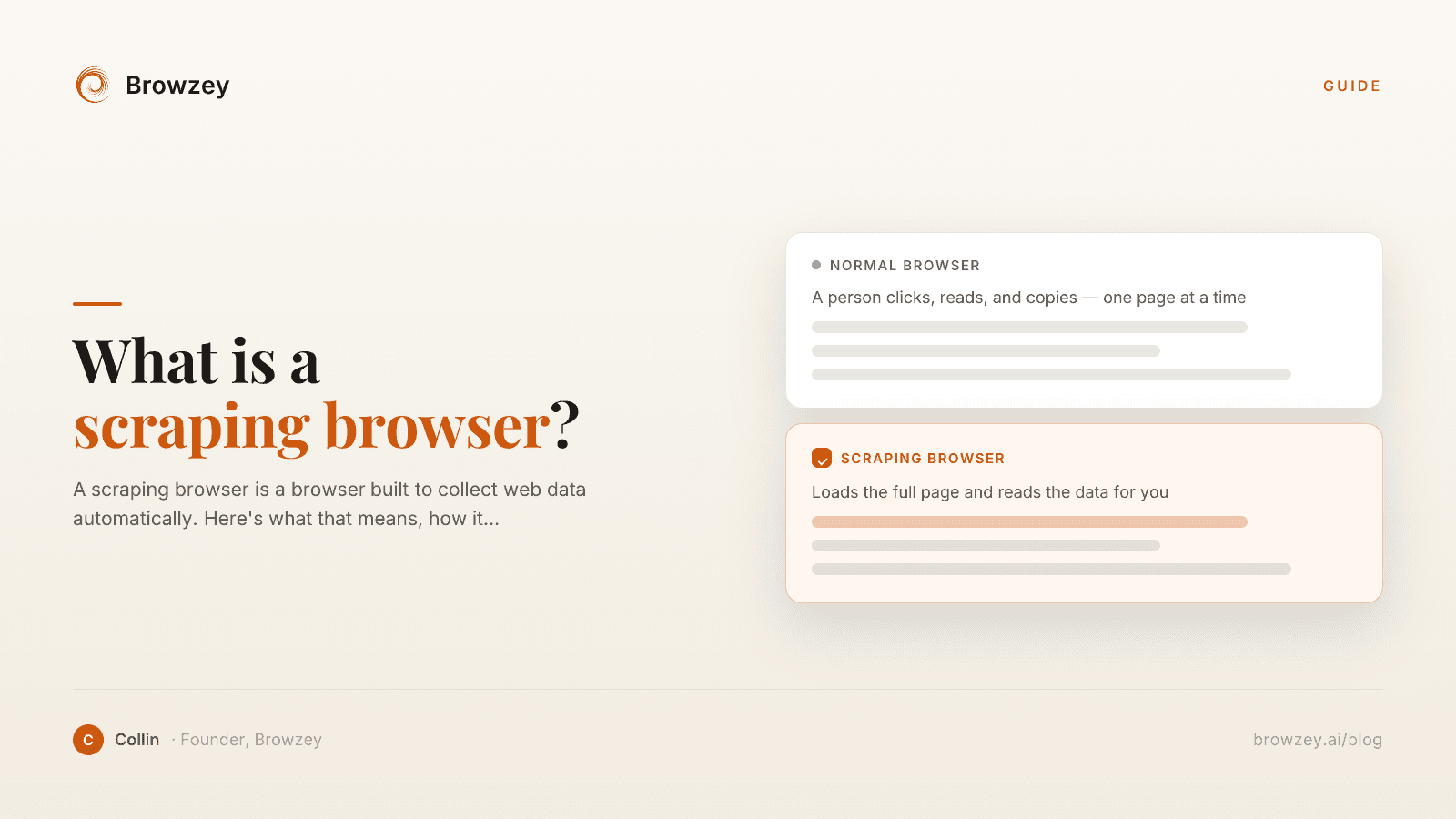
What Is a Scraping Browser? A Plain-English Guide
A scraping browser is a browser built to collect web data automatically. Here's what that means, how it works, and whether you actually need one.
June 20, 2026
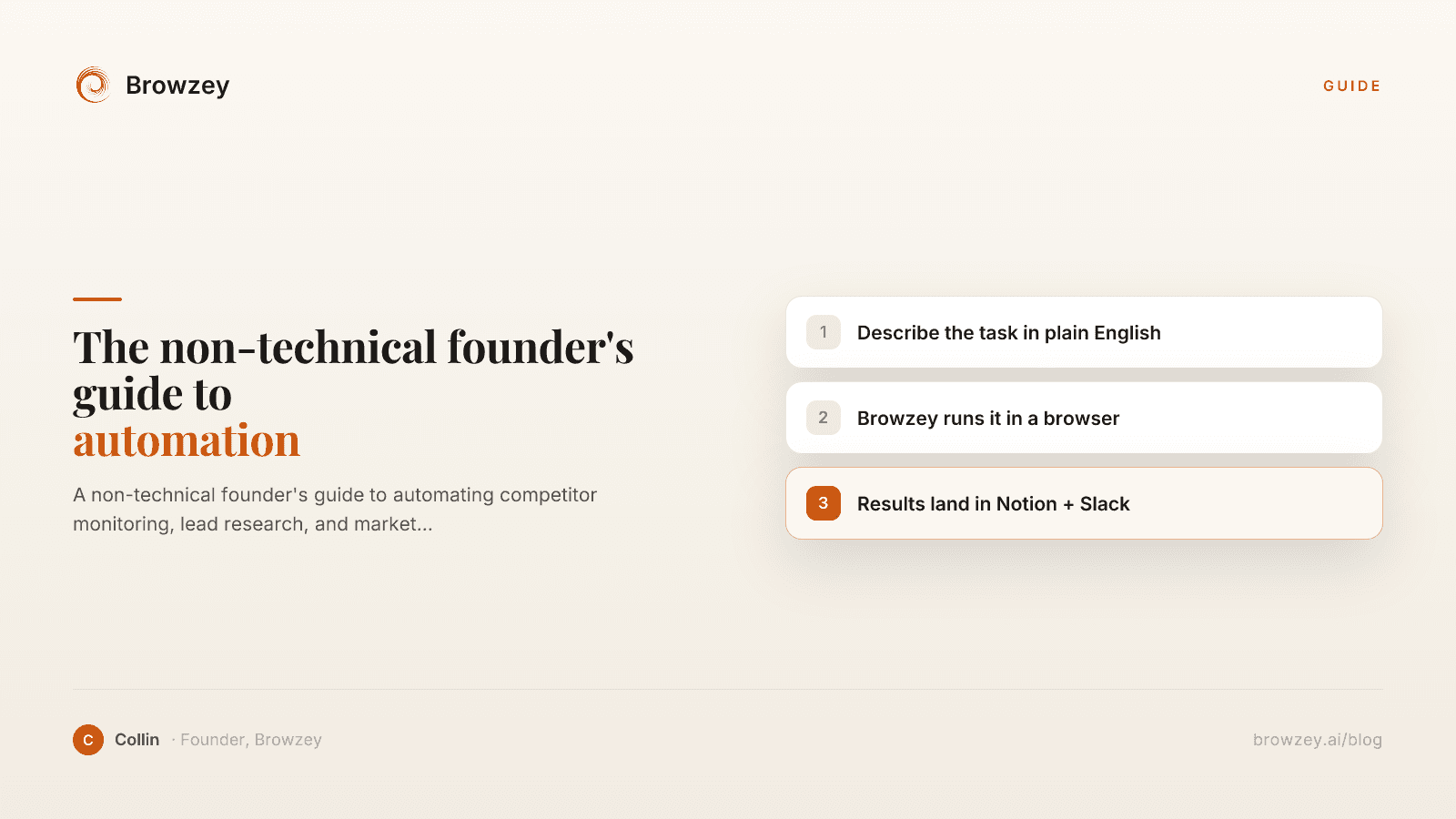
The Non-Technical Founder's Guide to Browser Automation in 2026
A non-technical founder's guide to automating competitor monitoring, lead research, and market intelligence with Browzey, Notion, and Slack — no code.
May 1, 2026
On this page
- The Problem with Traditional Browser Automation
- Write code for every action
- Maintain brittle selectors
- Handle edge cases manually
- Debug constantly
- How AI-Powered Automation Works
- Natural Language Instructions
- Visual Understanding
- Contextual Decision Making
- Continuous Learning
- Key Capabilities of AI Browser Automation
- 1. Intent Understanding
- 2. Dynamic Element Recognition
- 3. Error Recovery
- 4. Multi-Step Workflows
- 5. Integration with Other AI Capabilities
- Real-World Applications
- Sales and Marketing
- Operations
- Research
- Personal Productivity
- Comparing Traditional vs. AI-Powered Automation
- Limitations and Considerations
- Complex Logic
- High-Precision Requirements
- Sensitive Data Handling
- Learning Curve for Complex Tasks
- The Future of Browser Automation
- Voice-Commanded Automation
- Proactive Assistants
- Cross-Application Workflows
- Collaborative Automation
- Getting Started with AI Browser Automation
- 1. Start with a Simple Task
- 2. Describe the Task Clearly
- 3. Test and Refine
- 4. Scale Gradually
- Why This Matters