Top 10 Repetitive Web Tasks You Should Automate Today
Discover the most time-consuming web tasks that are perfect for automation. Learn how to reclaim hours of your week by automating these common workflows.
 CollinFounder, Browzey6 min read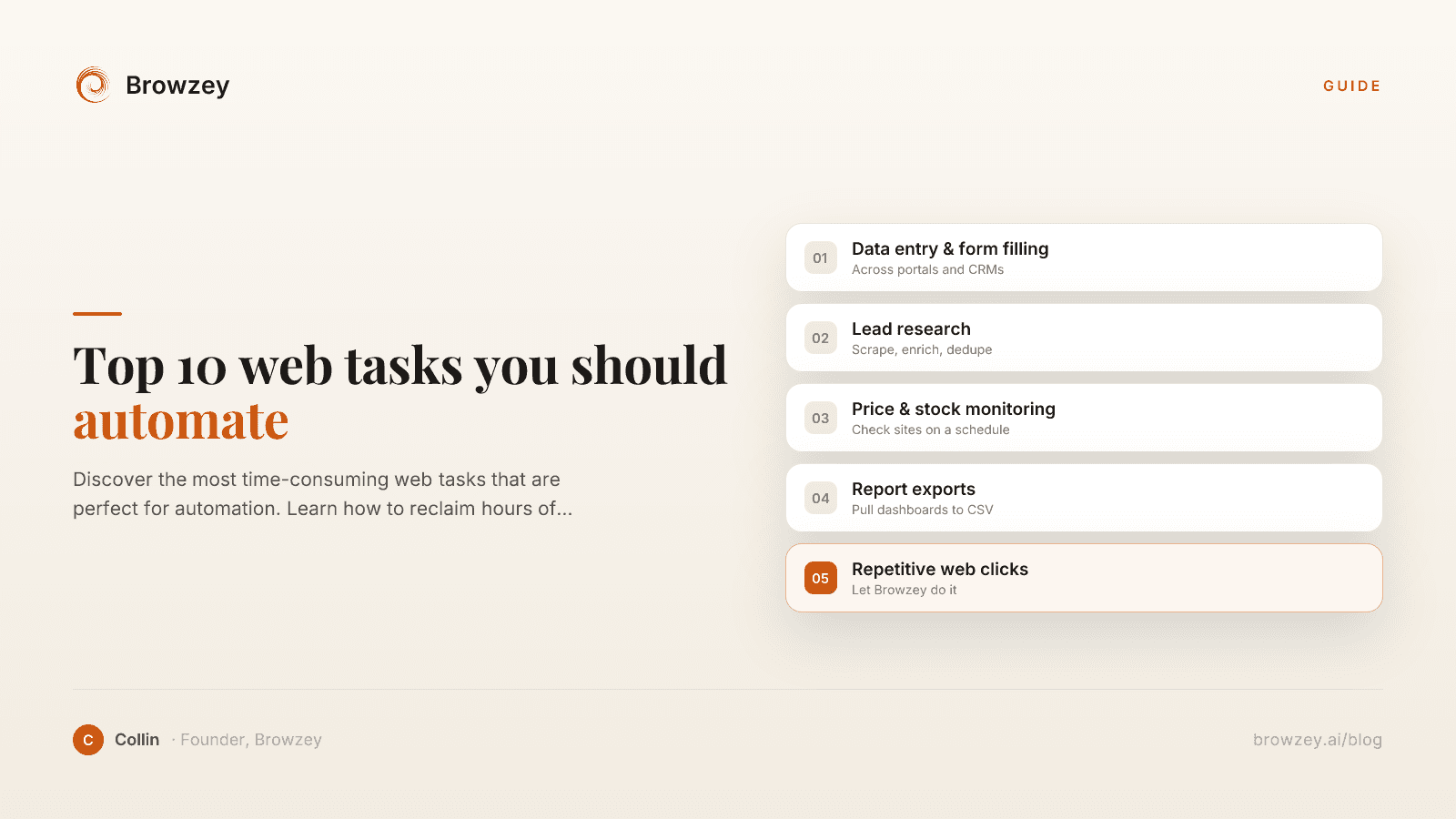
On this page
- 1. Data Entry and Form Filling
- 2. Extracting Contact Information
- 3. Generating Reports and Exports
- 4. Price and Inventory Monitoring
- 5. Social Media Management
- 6. Content Backup and Archiving
- 7. Lead Generation and Prospecting
- 8. Application and Job Submissions
- 9. Website Testing and Monitoring
- 10. Administrative Portal Tasks
- How to Prioritize What to Automate
- Calculate your time investment
- Consider the error cost
- Evaluate the scaling benefit
- Getting Started
- The Compound Effect of Automation
How much time do you spend each week doing the same things in your browser? Copying data from one tab to another, filling out forms, downloading reports, clicking through the same sequences of pages. These repetitive tasks add up fast—often consuming 10+ hours per week for busy professionals.
The good news? Almost all of these tasks can be automated. Here are the top 10 web tasks you should stop doing manually.
1. Data Entry and Form Filling
Time typically wasted: 2-5 hours/week
Whether you're updating customer records, submitting expense reports, or filling out vendor forms, data entry is one of the biggest time sinks in any organization.
What to automate:
- CRM data updates
- Expense report submissions
- Vendor registration forms
- Survey completions
- Application forms
The impact: A task that takes 3 minutes per form adds up to 2.5 hours when you need to submit 50 forms. Automation completes them in minutes.
2. Extracting Contact Information
Time typically wasted: 1-3 hours/week
Finding and copying email addresses, phone numbers, and contact details from websites is tedious work that's perfectly suited for automation.
What to automate:
- Email extraction from company websites
- Contact scraping from directories
- Social media profile data collection
- Conference attendee list building
Pro tip: Use Browzey's free email extractor to instantly pull all email addresses from any webpage.
3. Generating Reports and Exports
Time typically wasted: 2-4 hours/week
Logging into platforms, navigating to reports, setting date ranges, clicking export, waiting for downloads—do this across multiple tools and you've lost your morning.
What to automate:
- Analytics exports (Google Analytics, social platforms)
- Financial reports from banking portals
- Sales data from CRM systems
- Marketing performance reports
- Inventory status exports
The impact: Automated reports can run overnight and be waiting in your inbox every morning.
4. Price and Inventory Monitoring
Time typically wasted: 1-2 hours/week
Tracking competitor prices, monitoring stock availability, or watching for deals requires constant manual checking—unless you automate it.
What to automate:
- Competitor price tracking
- Stock availability alerts
- Deal and discount monitoring
- Marketplace listing changes
- Supplier inventory levels
The impact: Instead of checking 20 competitor sites daily, get notified only when prices change.
5. Social Media Management
Time typically wasted: 3-6 hours/week
Social media requires constant attention—posting, engaging, monitoring, and reporting. While some platforms offer scheduling, many tasks still require manual work.
What to automate:
- Cross-platform posting
- Engagement metrics collection
- Follower growth tracking
- Mention and keyword monitoring
- Screenshot captures for reporting
The impact: Batch your social media work and let automation handle the distribution.
6. Content Backup and Archiving
Time typically wasted: 1-2 hours/week
Important content lives across dozens of websites. Manually saving pages, downloading documents, and backing up content is time-consuming but necessary.
What to automate:
- Website page archiving
- Document downloads from portals
- Blog post backups
- Legal document preservation
- Knowledge base exports
Pro tip: Convert important webpages to markdown for easy storage with our webpage to markdown tool.
7. Lead Generation and Prospecting
Time typically wasted: 3-5 hours/week
Building prospect lists means visiting countless websites, finding decision-makers, noting company details, and compiling everything into a usable format.
What to automate:
- Company information gathering
- Decision-maker identification
- Contact detail collection
- Company size and industry classification
- LinkedIn profile data extraction
The impact: Build in hours what would take days of manual research.
8. Application and Job Submissions
Time typically wasted: 2-4 hours/week (when actively searching)
Job seekers know the pain—every application requires filling out similar information on different platforms, uploading documents, and answering screening questions.
What to automate:
- Job application form filling
- Resume uploads to multiple platforms
- Cover letter customization
- Application status tracking
- Follow-up scheduling
The impact: Apply to more opportunities with less effort, increasing your chances of landing interviews.
9. Website Testing and Monitoring
Time typically wasted: 1-3 hours/week
Checking that your website works correctly, forms submit properly, and pages load fast requires regular manual verification—or automation.
What to automate:
- Form submission testing
- Link checking
- Page load monitoring
- Screenshot comparisons
- Checkout flow verification
The impact: Catch issues before customers do, automatically.
10. Administrative Portal Tasks
Time typically wasted: 1-2 hours/week
From government portals to insurance systems, many administrative tasks require manual web interactions that can't be done via API.
What to automate:
- Tax portal submissions
- Insurance claim status checks
- License renewal reminders
- Compliance report submissions
- Benefits enrollment
The impact: Never miss a deadline and reduce administrative overhead.
How to Prioritize What to Automate
Not sure where to start? Use this simple framework:
Calculate your time investment
For each task, estimate:
- How often you do it (daily, weekly, monthly)
- How long each instance takes
- How many instances per period
A task taking 5 minutes that you do 20 times per day = 8+ hours per week.
Consider the error cost
Tasks where mistakes are costly should be prioritized. Automation eliminates human error.
Evaluate the scaling benefit
Will you need to do more of this task as you grow? Automation lets you scale without adding headcount.
Getting Started
The hardest part of automation is starting. Here's a simple approach:
- Pick one task from this list that resonates most
- Document the steps you currently take manually
- Choose an automation tool that matches your technical comfort level
- Build and test your first automation
- Measure the time saved and expand from there
The Compound Effect of Automation
Automating even a few tasks has a compound effect:
- Week 1: Save 3 hours on data entry
- Week 2: Add report automation, save 5 hours total
- Week 3: Add monitoring, save 7 hours total
- Month 2: You've reclaimed a full workday every week
That's time you can spend on strategic work, creative projects, or simply having a better work-life balance.
Ready to reclaim your time? Try Browzey to automate any of these tasks using simple natural language—no coding required.
Recommended Tools
Further reading
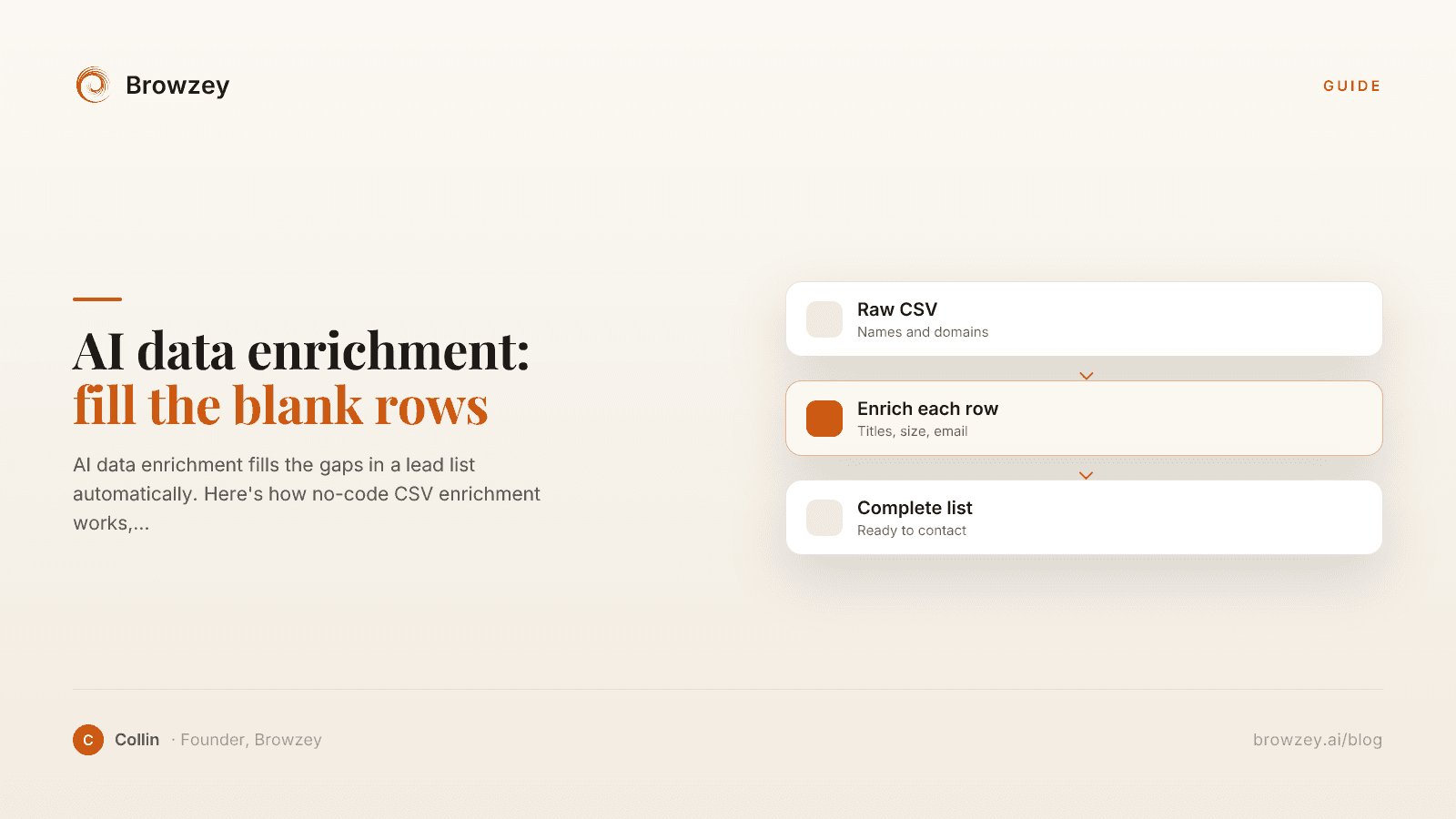
AI data enrichment: how to enrich a CSV of leads
AI data enrichment fills the gaps in a lead list automatically. Here's how no-code CSV enrichment works, where database tools quietly fail, and how to fix it.
July 2, 2026
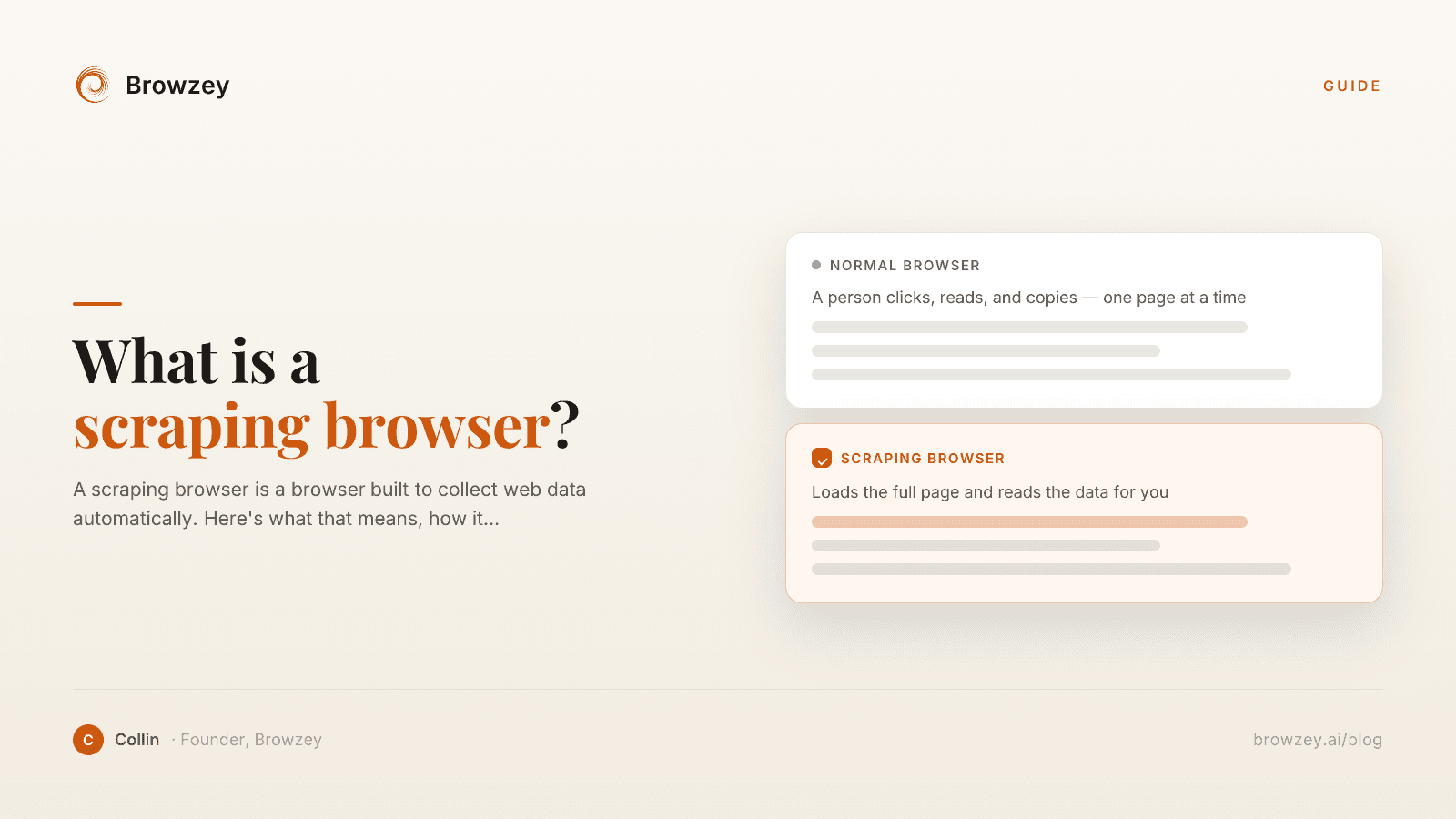
What Is a Scraping Browser? A Plain-English Guide
A scraping browser is a browser built to collect web data automatically. Here's what that means, how it works, and whether you actually need one.
June 20, 2026
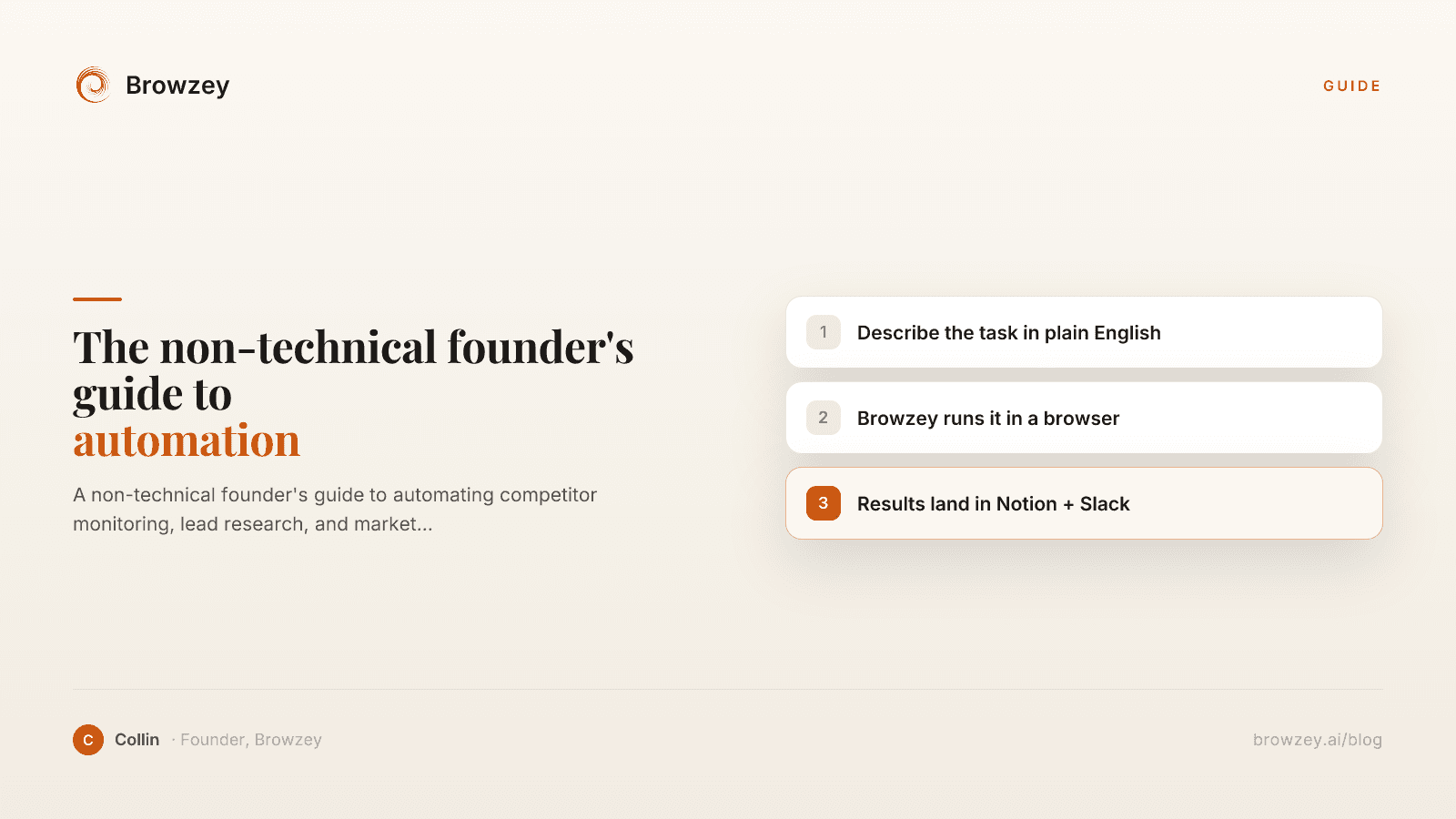
The Non-Technical Founder's Guide to Browser Automation in 2026
A non-technical founder's guide to automating competitor monitoring, lead research, and market intelligence with Browzey, Notion, and Slack — no code.
May 1, 2026
On this page
- 1. Data Entry and Form Filling
- 2. Extracting Contact Information
- 3. Generating Reports and Exports
- 4. Price and Inventory Monitoring
- 5. Social Media Management
- 6. Content Backup and Archiving
- 7. Lead Generation and Prospecting
- 8. Application and Job Submissions
- 9. Website Testing and Monitoring
- 10. Administrative Portal Tasks
- How to Prioritize What to Automate
- Calculate your time investment
- Consider the error cost
- Evaluate the scaling benefit
- Getting Started
- The Compound Effect of Automation